
SCREEN PROTECTION. AUTOMATED.

Premium screen protection applied automatically in minutes.
Choose your phone. Choose your protector. Place your device in the tray. ScreenSwift does the rest.
Fast Application • Precision Fit • Clear, Matte & Privacy • Easy Self-Service
Automated Demo Video Coming Soon
No fitting. No bubbles. No waiting.
ScreenSwift automatically aligns and applies your screen protector, delivering a clean finish without the frustration of manual installation.

Automated Application
No awkward DIY fitting. Our machines handle the application for you.
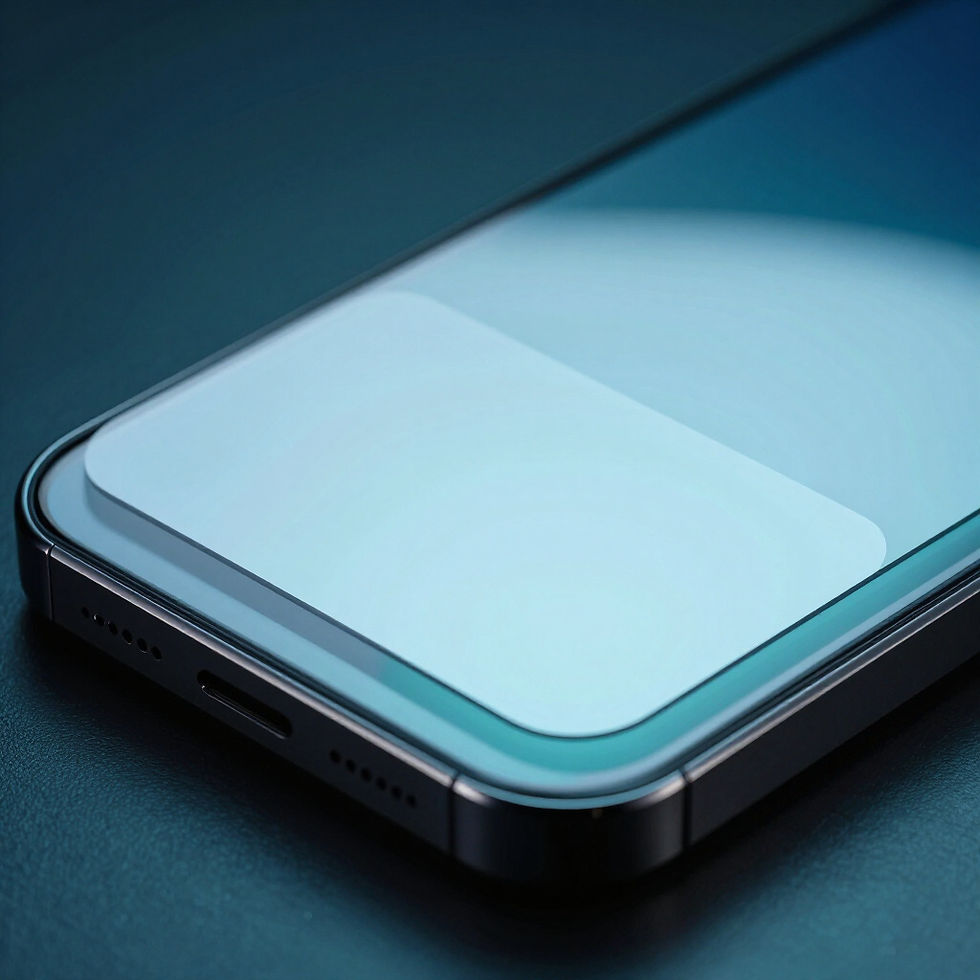
Precision Alignment
Designed for consistent placement without air pockets or misaligned edges.

Ready in Minutes
Protect your phone quickly while you shop or commute. Fully self-service.
How ScreenSwift Works
01
Choose your phone
Select your device from the touchscreen interface.
02
Choose your protection
Select Clear, Privacy or Matte protection finish.
03
Place phone in tray
Position your phone securely following on-screen guides.
04
ScreenSwift applies
Automated precision alignment and bubble-free application.
05
You're protected
Collect your phone and enjoy premium protection.
Choose Your Protection
Three high-performance finishes. One simple automated application process.
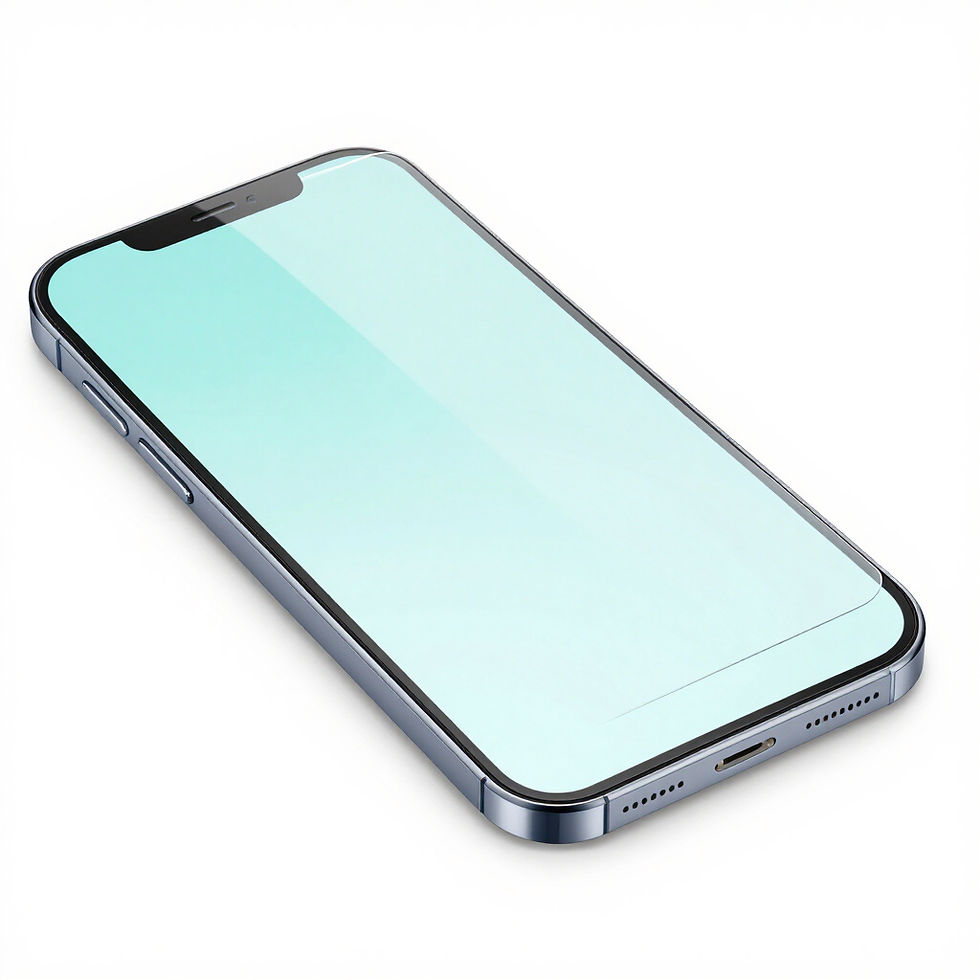
CRYSTAL CLEAR
Maximum clarity for everyday invisible protection.
Best for: Everyday use
Finish: Clear & Glossy
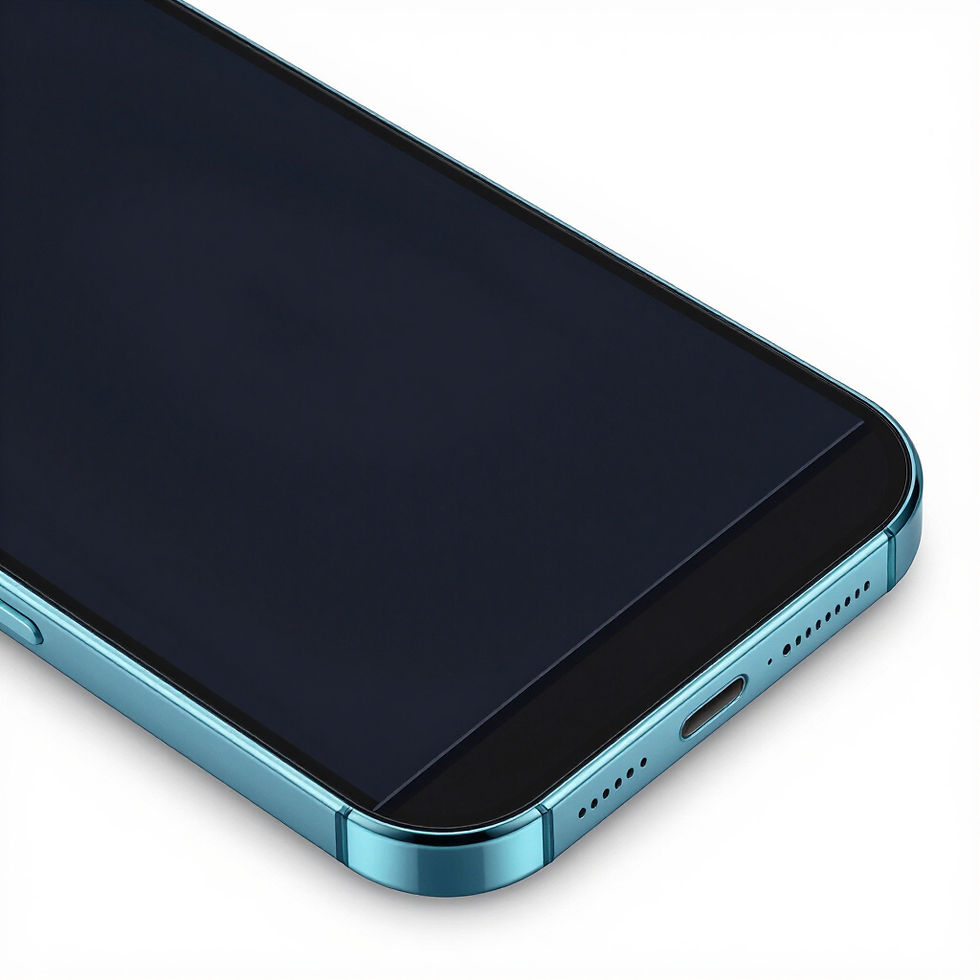
PRIVACY
Reduce screen visibility from side angles in public.
Best for: Commuting & Public Spaces
Finish: Privacy 2-Way Tint

MATTE
Anti-glare treatment with a smooth, fingerprint-resistant feel.
Best for: Gaming & Outdoor use
Finish: Matte Anti-Glare
Why ScreenSwift?

AUTOMATIC APPLICATION
No awkward manual fitting.

PRECISION ALIGNMENT
Designed for accurate, consistent placement.

READY IN MINUTES
Protect your phone while you're already out and about.
YOUR CHOICE
Choose from Clear, Privacy and Matte protection.
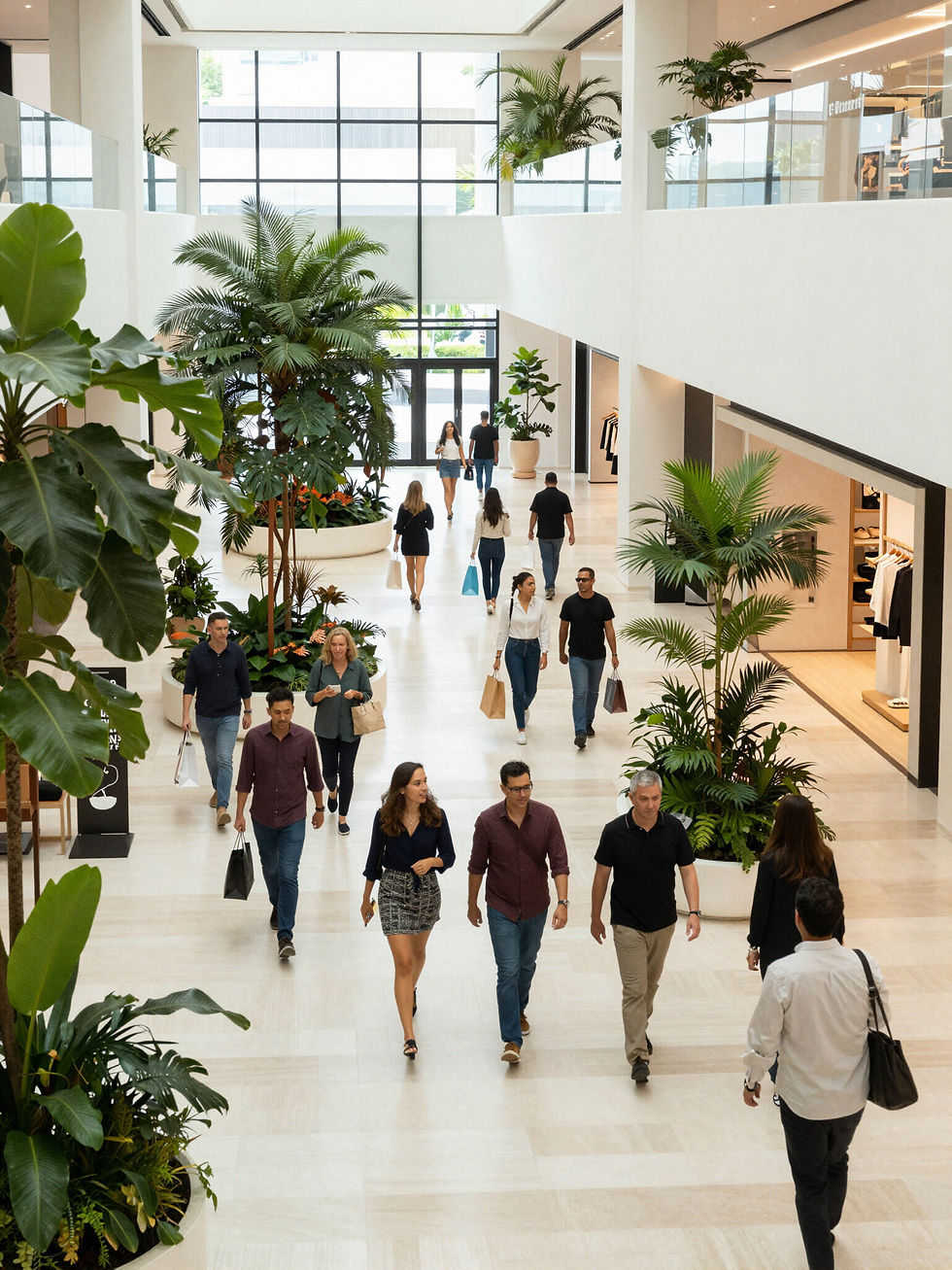
Find a ScreenSwift Machine
We're launching our first ScreenSwift locations in Melbourne, with more locations planned across Australia.
LAUNCHING SOON
Our first ScreenSwift locations are coming soon. Want to know when ScreenSwift launches near you?

Bring ScreenSwift to Your Venue
Give visitors convenient access to automated screen protection while adding a modern technology amenity to your location.
Ideal for: Shopping Centres • Universities • Airports • Transport Hubs • Major Retail Precincts
SMALL FOOTPRINT
Compact automated retail technology designed for high-traffic locations.
FULLY SELF-SERVICE
Customers select their device, choose their protection and complete the process through the machine.
SCREENSWIFT MANAGED
ScreenSwift manages stock, servicing and ongoing machine operation.
MODERN RETAIL TECHNOLOGY
A distinctive technology service designed for today's connected customers.
Common Questions
How long does the process take?
ScreenSwift machines typically take just 2-3 minutes to complete the application process, from placing your phone to receiving your protected device.
What phone models are supported?
Our machines support all major smartphone brands including Apple, Samsung, Google and OnePlus, ensuring compatibility with the latest models.
What screen protector types are available?
We offer three main options: Crystal Clear for everyday use, Matte for outdoor visibility, and Privacy for side-view protection in public spaces.
Is the application bubble-free?
Yes, our automated alignment system ensures a precise fit, minimising bubbles and air pockets for a seamless finish every time.
Do I need to book?
No appointments are required. ScreenSwift machines are self-service kiosks designed for immediate use whenever you visit.
Can I use the machine if my screen is cracked?
ScreenSwift machines are designed for clean, unscratched screens. If your screen is cracked or heavily damaged, we recommend professional repair before use.
Get in touch with ScreenSwift
Have questions about our automated kiosks or looking to host a machine at your venue? Reach out to our Australian team today.
info@screenswift.com.au
Phone
+61 479 141 484
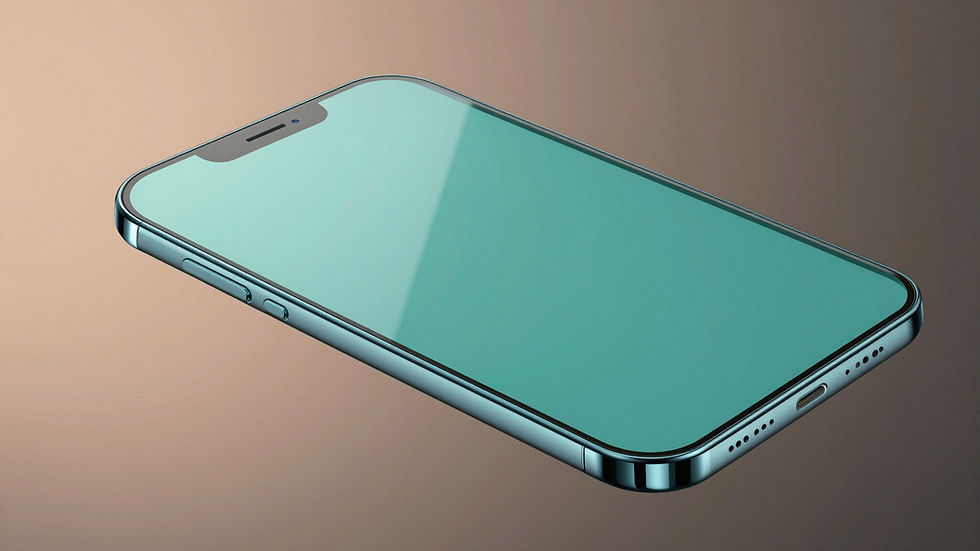
Protect your screen in minutes.
Choose your phone. Choose your protection. Let ScreenSwift do the rest.